
Surveillance cameras and access control
Physical security protects people, premises, equipment and information. Video surveillance has evolved from simple recording to intelligent systems that can detect unusual events, and access control has moved from keys to cards, codes and connected readers. Computech designs and installs IP camera systems, access control and integrated security solutions that work with your network and respect the privacy of the people they record.
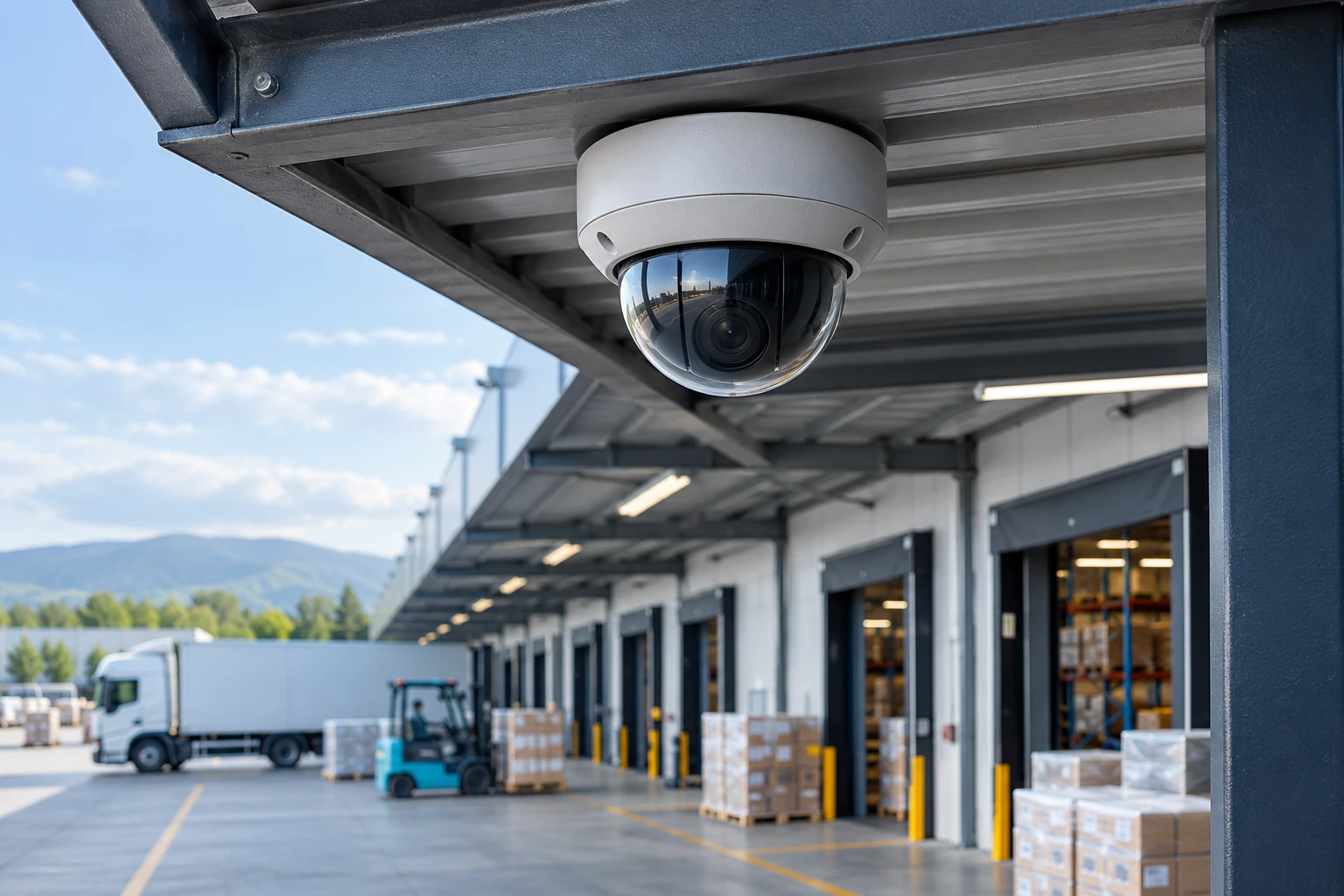
Start with what you need to protect
A good security system begins with a clear understanding of the risks, not with a list of cameras. Before designing, we consider:
- Which areas, assets and entrances need protection
- When the premises are occupied and when they are empty
- Who needs access to which areas, and at what times
- What incidents you want to prevent, detect or investigate
- Who will watch live images, review recordings and respond to alerts
- What legal and privacy obligations apply to your premises
The answers decide where cameras and readers should go, what they need to see and how long recordings should be kept.
Advantages of IP surveillance
- Simpler operation: footage can be viewed with standard software, and selected recordings can be stored securely for later review.
- Video analytics: security-related events, such as motion in a restricted area outside working hours, can be detected and reviewed across several cameras.
- Simpler installation: with Power over Ethernet (PoE), cameras receive power and data over a single network cable, which also makes later changes and expansion easier.
- Remote viewing and scalability: authorised users can view feeds remotely and on several screens or devices, and the system grows easily with new cameras.
- Recording to multiple destinations: video can be stored in more than one location for redundancy.
- Secure connectivity: network authentication (for example IEEE 802.1X) ensures only authorised cameras can connect, and intrusions can trigger automatic disconnection and alerts.
What we install
Access control
- Card readers, door contacts and exit buttons
- Electric strikes and locks
- Motion and glass-break detectors
- Gate control and door cameras
Security cameras
- Indoor and outdoor cameras
- Day/night and low-light cameras for long range
- Wide-angle cameras
Choosing cameras
Different areas need different cameras. A wide-angle camera gives an overview of a room or a car park, while identifying a person at an entrance needs a narrower field of view and more detail. Outdoor cameras must withstand weather and temperature changes, and may need protection against tampering. Low-light performance matters for areas that are not lit at night. Resolution alone does not guarantee useful images: lens, placement, lighting and compression settings all affect what can actually be seen in a recording.
Recording and storage
Recordings are usually kept on network video recorders or servers, sized according to the number of cameras, image quality, frame rate and retention period. Recording continuously, only on motion or on a schedule changes the storage needed considerably. Storage should be protected against failure, and the recorder itself should be located in a secure place, so that it cannot be removed or damaged by an intruder.
Access control in practice
Electronic access control replaces or supplements keys with cards, tags, codes or other credentials. Its main advantages are flexibility and accountability:
- Access rights can be granted, changed or removed immediately, without changing locks
- Different people can have access to different areas and at different times
- Lost cards can be disabled at once
- Entry and exit events are recorded, which helps when investigating incidents
- Doors can be linked with cameras, so that each access event can be checked against images
Fire safety and emergency exit requirements must always be respected: doors on escape routes must open safely in an emergency. These requirements are taken into account in the design.
Integrated security
Cameras, access control and intrusion detection are most effective when they work together. A door forced open can trigger recording from nearby cameras and an alert to the responsible person. A card used outside its permitted hours can be flagged. Integration should remain simple enough for the people who operate the system every day, with clear procedures for responding to alerts.
Realistic expectations for video analytics
Analytics can reduce the time spent watching screens by drawing attention to specific events, such as motion in a defined zone, a line being crossed or a camera being covered or moved. They work best when the rule is simple, the area is well lit and the camera is positioned for the purpose. They can also produce false alerts from shadows, animals, weather or changes in lighting, so rules need tuning after installation. Analytics support people; they do not replace a clear procedure for who checks an alert and what they do next. Features that identify individuals or analyse people's behaviour raise serious legal and privacy questions and should not be considered without specialist legal advice.
When an incident happens
The value of a surveillance system is tested when something goes wrong. The people responsible should know how to find the relevant recording quickly, export it in a format that preserves its quality and timestamp, and keep a record of who exported it and why. Exported footage should be stored securely and shared only with those entitled to receive it, such as the police or insurers. Recordings that are needed for an investigation may need to be kept beyond the normal retention period, and this should be decided and documented.
Network and cybersecurity
IP cameras and access control devices are computers on your network and must be protected like any other device. Good practice includes:
- Placing security devices on a separate network segment
- Changing default passwords and disabling unused services
- Keeping firmware up to date
- Restricting remote access to authorised users with strong authentication
- Logging who views or exports recordings
- Choosing devices from manufacturers that provide security updates
Poorly protected cameras are a common entry point for attackers, so security of the system itself is part of every design (see Cyber security).
Privacy and compliance
Video surveillance of people is processed as personal data. We design systems with data protection in mind, such as camera placement, signage and retention periods, so that you can meet your obligations under GDPR and the guidance of the Hellenic Data Protection Authority. Responsibility for lawful use remains with the system owner.
In practice, privacy-friendly design means:
- Recording only the areas that are necessary for the stated purpose
- Avoiding views of neighbouring properties, public spaces or areas where people expect privacy
- Placing clear signs before people enter the monitored area
- Keeping recordings only for as long as necessary and deleting them automatically afterwards
- Limiting who can view and export recordings, and recording these actions
- Paying particular attention to cameras in workplaces, where employees' rights must be respected
We recommend that you review your surveillance purpose, retention and notices with your data protection officer or legal adviser.
How a project runs
1. Survey and risk review
We visit the premises, discuss your concerns and review entrances, areas and existing equipment.
2. Design and proposal
We propose camera and reader positions, recording and storage, network requirements and integration, with a clear scope of work.
3. Installation and configuration
We install and configure devices, connect them to the network, set recording and retention rules and test that every camera and reader works as intended.
4. Handover and training
We train the people who will use the system: viewing live images, searching recordings, exporting evidence securely and managing access rights.
5. Support
We can help with changes, extensions, firmware updates and troubleshooting.
Maintaining the system
Cameras and readers work quietly in the background, which means problems can go unnoticed until footage is needed. Regular checks should confirm that every camera records, that images are clear and correctly aimed, that the recorder has enough storage, that clocks are correct and that access rights reflect current staff. Lenses outdoors need cleaning, and changes to the premises, such as new shelving or lighting, may require cameras to be adjusted.
Illustrative scenarios
These examples are illustrative and do not describe specific clients.
- Office entrance: a company replaces keys with card access at the main entrance and server room, and links the doors with cameras, so that access can be reviewed when needed.
- Warehouse: a storage facility installs low-light cameras around loading areas and sets motion alerts outside working hours.
- Multiple sites: an organisation with several branches allows authorised staff to view cameras at all sites from one place, with access rights per site.
What we need from you to start
- The address and type of premises, with plans if available
- The areas, entrances and assets you want to protect
- Information on working hours and who needs access where
- Any existing cameras, recorders or access control equipment
- A contact person who will be responsible for the system
What you receive
- A survey and design based on your real security needs
- A clear proposal with device positions and scope
- An installed, configured and tested system
- Guidance on privacy-friendly settings and retention
- Training for users and support for future changes
Next step
Tell us what you want to protect and how your premises are used. We will arrange a survey and propose a security solution that fits your needs.
IT Services & Managed IT
Servers and clustering, network maintenance, computers and peripherals, operating systems, repairs and ongoing technical support.
Frequently asked questions
Let's look at what your organisation actually needs.
Tell us about your need or idea. We will start with the right questions, not a ready-made answer.