
IT services and managed IT
Every organisation depends on its servers, network, computers and the people who keep them running. When this infrastructure is reliable, nobody notices it; when it is not, work stops. Computech helps organisations keep their infrastructure reliable through organised maintenance and support rather than disconnected fixes. We can act as your IT department or support your internal IT team in specific areas.
What managed IT means
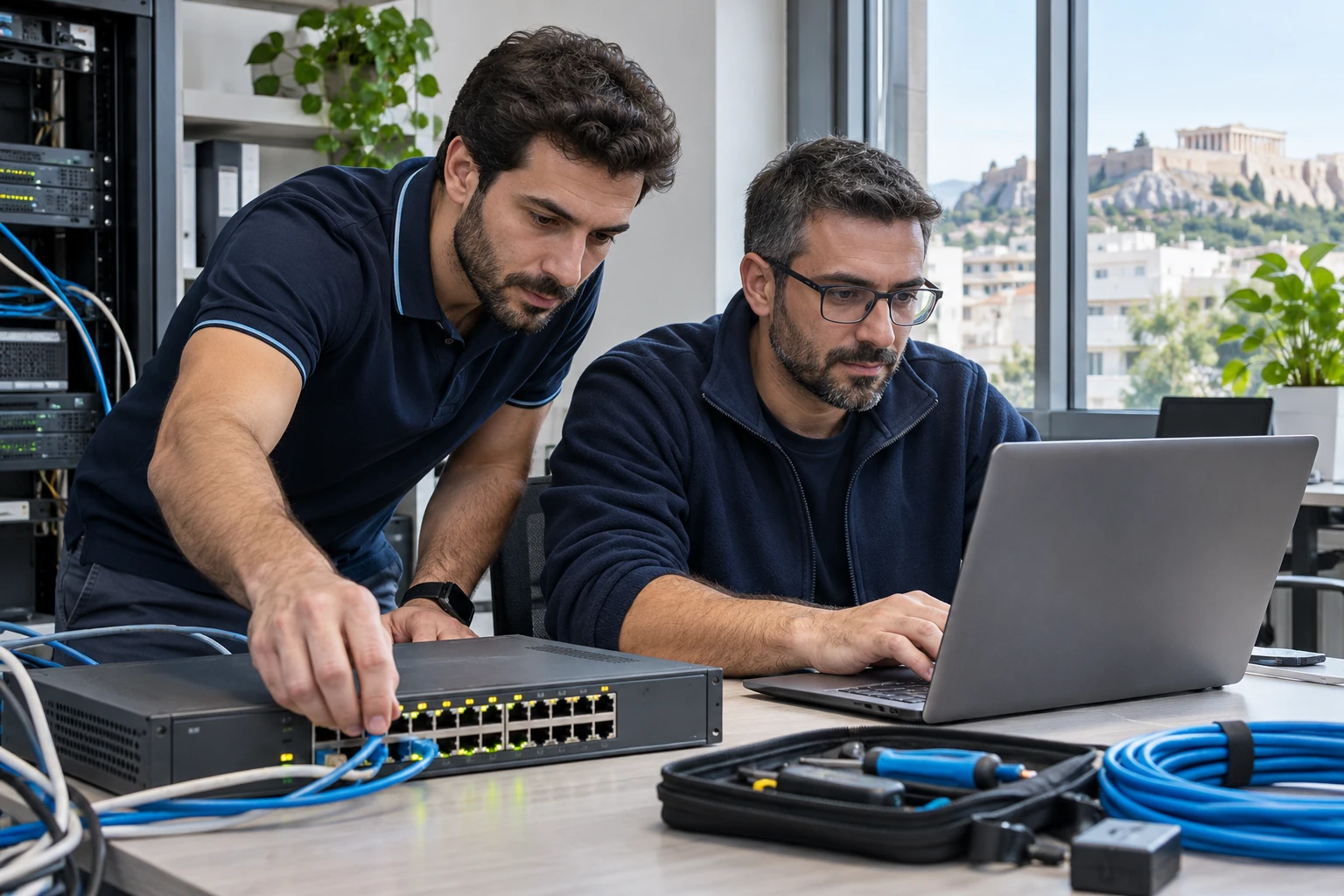
Managed IT services are an ongoing arrangement in which a partner takes responsibility for agreed parts of your IT environment. Instead of calling someone only when something breaks, you have a partner who looks after your systems continuously, plans maintenance, keeps records and helps your users.
The difference is practical. In a reactive model, problems are fixed after they cause disruption, knowledge about the environment is scattered and costs are unpredictable. In a managed model, routine tasks are scheduled, risks are identified earlier, documentation is maintained and the cost of support is easier to plan.
What the service can cover
The scope is agreed for each organisation. It may include any combination of the areas below.
Servers and clustering
A server cluster is a group of servers that work together as one system. If one server fails, its workload moves to another, reducing downtime. Clustering improves:
- Availability: services keep running if a server fails.
- Scalability: resources can grow with your users and workloads.
- Reliability: redundancy protects against application, hardware and site failures.
We design and support clustered and standalone server environments, choosing the model that suits your applications and locations. For smaller organisations, a single well-maintained server or a move of selected services to the cloud may be more appropriate than a cluster; we recommend what fits your needs and budget.
Network maintenance
Network maintenance covers everything needed to monitor, update and run your network before problems occur. A regular maintenance plan typically includes:
- Network security: firewalls, VPNs, user access controls, multi-factor authentication, log review and alerts.
- Performance: monitoring bandwidth, traffic patterns, bottlenecks and connection delays.
- Scalability: making sure hardware and software match your users, locations and operations.
- Updates: scheduled updates to network devices and their software.
- Compliance: alignment with internal policies and applicable regulations.
- Preventive repairs: using monitoring information to fix issues before they affect users.
Networks can be maintained by in-house staff, by equipment manufacturers or by an external provider. We help you choose the right mix for your size, skills and budget.
Computers and peripherals
We supply and support desktops, laptops, all-in-one computers and peripherals such as monitors, printers, scanners, keyboards and storage devices, as well as network and data-centre accessories. We help you choose equipment that balances performance, reliability and energy efficiency, and we prepare new devices so that users can start working quickly.
Operating systems
An up-to-date, supported operating system is your first line of defence. Outdated systems leave known vulnerabilities open and can prevent security software from working properly. We support common business operating systems, keep them updated and plan upgrades in good time when a version approaches the end of its support. The same principle applies to phones and tablets used for work: devices that no longer receive updates should be replaced.
Computer repair
We diagnose and repair desktops and laptops, from simple fixes to component-level repairs, including:
- Screen, battery and keyboard replacement
- Touchpad and port repairs
- Overheating and cooling-fan issues
- Performance tune-ups
Before any repair, our technician explains the problem and the options, with an estimate of cost and time. If a repair is not worthwhile, we say so and recommend a replacement.
User support
Users need help with accounts, passwords, email, printing, shared files, remote access and the everyday questions that arise when people work with technology. Support is provided on-site, remotely and by phone. Requests are recorded and followed until they are resolved and confirmed with the user.
User onboarding and offboarding
When people join, change roles or leave, their accounts, permissions, devices and data must be handled correctly. We set up new users with the right access from day one and remove access promptly when someone leaves, recovering devices and preserving data according to your policies. This simple discipline prevents many security problems.
Updates and patch management
Software updates fix security weaknesses and errors. We plan and apply updates for operating systems and key applications, test them where the risk justifies it and schedule them to minimise disruption.
Backup oversight
Backups are only useful if they work when needed. As part of managed IT we check that backups run, investigate failures and carry out periodic restoration tests. More advanced backup and disaster recovery solutions are described on the Backup and disaster recovery page.
Asset inventory and documentation
We maintain a record of the main devices, servers, network equipment, licences and administrative accounts, together with network diagrams and key procedures. Documentation belongs to you and is updated as the environment changes.
Security basics
Managed IT includes the everyday security measures that every organisation needs: endpoint protection on computers and servers, secure configuration of network devices, strong authentication for administrative and remote access, review of user permissions and guidance for users on common threats such as phishing. More extensive security work, such as risk assessments and incident response planning, is described on the Cyber security page and can be added to the agreement.
Equipment lifecycle planning
Computers, servers and network devices have a useful life. When they are kept too long, they become slow, unreliable and eventually unsupported. We track the age and condition of key equipment and propose replacements in advance, so that you can budget for them and avoid emergency purchases. When equipment is retired, we make sure that data is transferred or securely erased.
How support works
Support is organised around your environment and agreed in writing. The agreement sets out which systems and users are covered, how requests are submitted, during which hours support is available and any response times for different types of issue.
A typical request follows a simple path: the user reports the issue through the agreed channel, we record it, confirm what is needed and resolve it remotely where possible. If a visit is needed, we schedule it. If work outside the agreed scope is required, we explain it and agree it before proceeding.
Preventive maintenance and regular reviews
Prevention is cheaper than repair. Regular maintenance includes checking system health, storage capacity, backup results, security updates and the condition of key equipment. At agreed intervals we review the environment with management: recurring issues, risks, equipment approaching end of life and planned changes. The result is a short list of practical recommendations.
Working with your internal IT team
If you have your own IT staff, we can support them where they need extra capacity or specialist knowledge, such as server infrastructure, network design, security or projects. Responsibilities are agreed in advance, so that there is no overlap and nothing falls between the two teams.
Remote work and multiple locations
Many teams now work partly from home, from client sites or while travelling. Managed IT covers the practical side of this: secure remote access, configuration of laptops and mobile devices, access to shared files and applications, and support for users wherever they are. For organisations with several locations, we keep configurations consistent across sites so that users have the same experience everywhere.
Illustrative scenarios
The following examples show typical situations. They are illustrative and do not describe specific clients.
A small office without IT staff
An office of fifteen people relies on a single server, a consumer-grade router and the goodwill of an employee who "knows computers". We document the environment, secure administrative access, check backups, replace unsupported equipment in a planned way and provide a helpdesk for all users.
A growing company with several locations
A company opens a second location and finds that its network, file sharing and printing do not scale. We design a secure connection between the sites, standardise devices and permissions and set up monitoring and regular maintenance.
An organisation with an internal IT person
An organisation's single IT employee is overloaded and cannot keep up with updates and projects. We take over routine maintenance and patching and provide specialist support for a server upgrade, while the internal employee focuses on users and business applications.
What we need from you to start
- The number of users, workstations, servers and locations
- The main applications and cloud services you use
- Information about current issues and planned changes
- Access to existing documentation, accounts and licence information
- A contact person who can take decisions or reach those who do
What you receive
- A documented picture of your environment after onboarding
- A list of urgent risks and recommended improvements
- Organised support with recorded requests
- Scheduled maintenance, updates and backup checks
- Regular reviews with management and practical recommendations
- Up-to-date documentation that belongs to you
Next step
If you want reliable, organised support for your infrastructure, tell us about your environment and the challenges you face. We will propose a scope that fits your organisation and explain how the support would work in practice.
Frequently asked questions
Connected capabilities
Cyber security
Protection against data breaches, malware and ransomware, with risk assessment and incident response.
Backup & disaster recovery
Backup, replication and recovery plans that keep critical data and systems available.
Digital signatures
Solutions for signing and verifying electronic documents.
Cabling & electrical installations
Structured cabling, networks, racks and related electrical infrastructure.
Let's explore how IT Services & Managed IT fits your project.
Tell us about your need or idea. We will start with the right questions, not a ready-made answer.